
When the power went out a couple of days ago, my electricity was back in a few hours, but my home automation didn’t come back.
I don’t know what I’m doing. Sometimes you just jump in.
My home automation controls window shades and lights, nothing critical. Light switches are left on, and the software tells the light bulb to turn on, how bright and what color. If a light switch is turned off and back on, the light bulb goes on like a regular bulb until the software tells it to do something.
When power was restored, all the lights came on, but software wasn’t controlling everything.
Your laptop or tablet needs access to a Wi-Fi router to reach the internet. All the home automation devices work similarly. A hub is the interface between the sensor and the computer. Amazon’s Alexa is a hub. There is a Google Nest Hub. There is a hub for Philips HUE lights and a hub for IKEA devices. Because it’s IKEA, their hub is called ‘DIRIGERA’, which replaces the IKEA TRÅDFRI which was irritating because nobody knows how to make the A with a ring over it.
When you get on Wi-Fi, the Wi-Fi router randomly assigns you a port. The router uses that to get the web page you ask for. You don’t care what it is, you just want to get to Instagram. If you are assigned to port 12, then the router sees that port 12 wants Instagram, so it sends Instagram to port 12. The whole address would be ‘192.168.1.12’. It’s the last number that changes.
For a laptop to get on Wi-Fi, it needs to know the port number for the router. The router has a permanent port, and is usually ‘192.168.1.1’. If you type that into your web browser, where ‘bigstickphysics.net’ currently is, you can access your router.
You should do that. This is what the router page looks like. Google your router model to find the user name and password. Change it, and write the new password on the bottom of the router. Make it a little harder for thieves to steal your stuff.
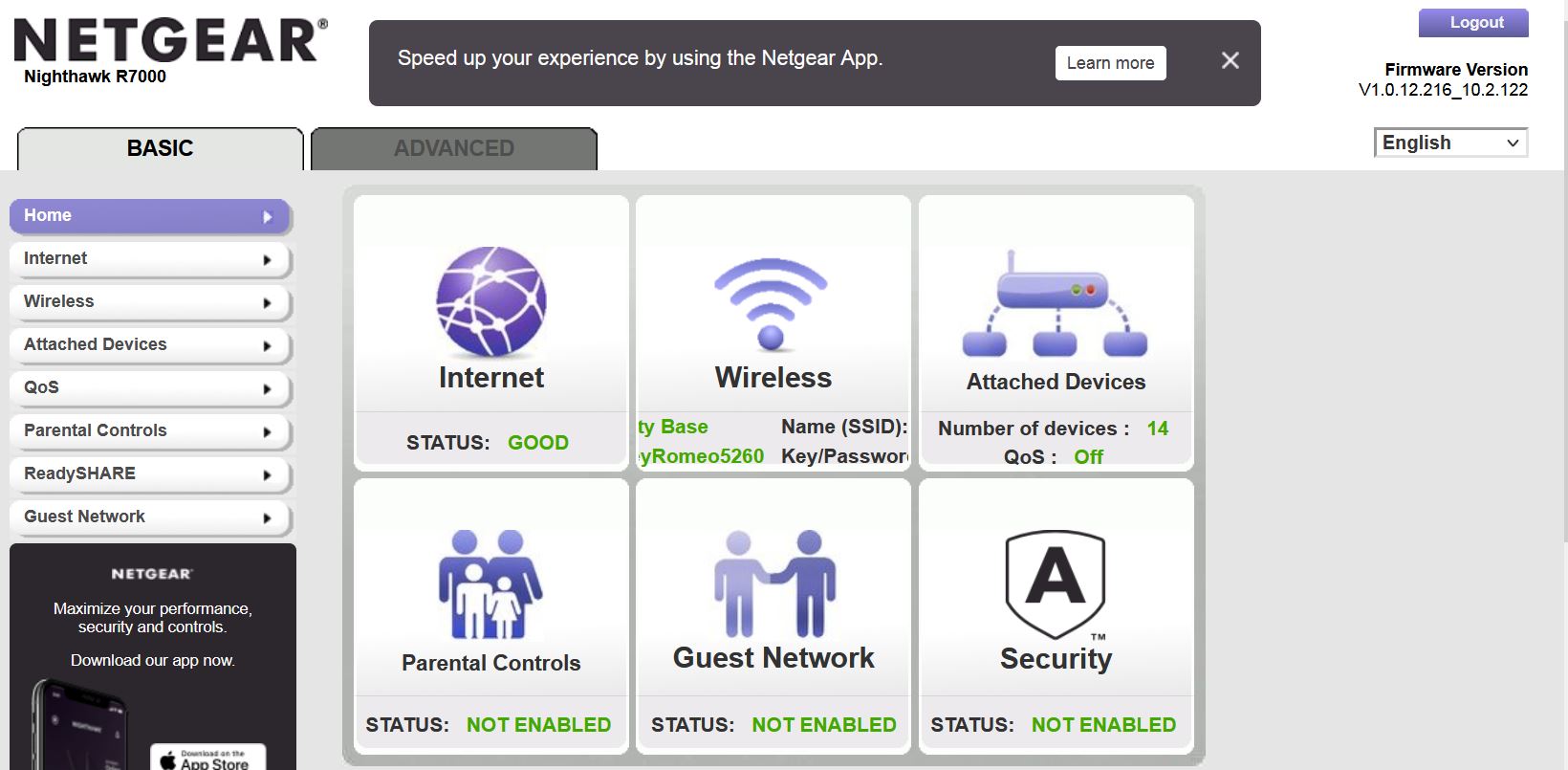
A hub is not as smart as you or a router. If the power goes out and comes back on, the hub may get a different port. Now nobody can find it. My brother-in-law suggested that I may need to assign permanent ports to my hubs.
That made sense. It seems like somebody should have mentioned that in all of the Youtube videos explaining how to set up this crap. Maybe they did, or maybe that’s so obvious and I am differently-tarded.
I logged into my router, and figured out how to do that. This problem shouldn’t happen again, but I’m not confident enough to cut power to see what happens.
That was sorted pretty quickly, but the second problem is still baffling. The hubs were fixed, but sensors, window shades and some lights were missing.
Each manufacturer has their own hub, but there is a standard hub called ‘Zigbee’. Using the specific hub provides more features, but the app for that hub has to be used to access those features. They want to lock you in and feed you advertising.
The Philips HUE hub and app are worth using, but the IKEA hub and app are maddening. IKEA thinks it’s cute to treat technology like magic. Open the app, push this button, the LED blinks, and voilà!
Magic always comes with a cost, and shouldn’t be trifled with. If the light doesn’t stop blinking, the IKEA instructions provide no explanation. IKEA usually doesn’t even have words, just diagrams of a guy pushing a button and looking relieved drawn in the style of a Soviet cartoon.
The user has to seek his own answers from an independent tech wizard on Youtube.
The Philips HUE hub was up and running. The Zigbee hub was up, but not talking to it’s devices. Zigbee has a dashboard similar to the router page, but I don’t know what any of this means. Since nothing was working, it’s probably one simple thing to get everybody back to work.
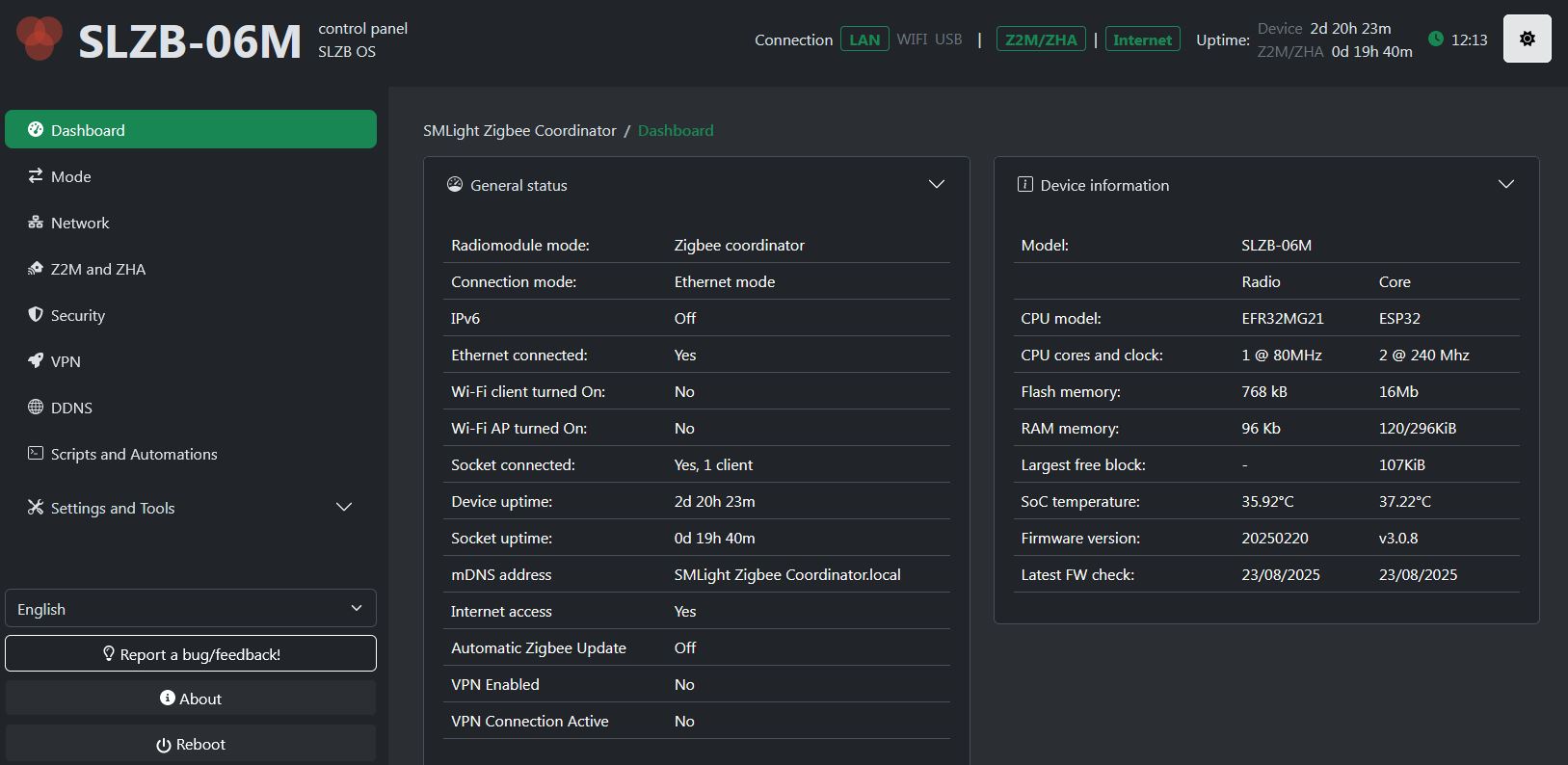
The standard hub is so capable, I don’t know what the tech wizards are talking about. I’d like the explanation from the Soviet cartoonists, but there aren’t any.
The unresponsive devices were 6 IKEA window shades, 5 IKEA lights, 5 door sensors and 2 light switches.
The brute force approach was to individually pair each device with the Zigbee hub. This is about as simple as pairing your phone with Bluetooth headphones. It took about two minutes each.
I’m not sure why this happened, but it might be a parameter in the home automation software. When a sensor gets no response after two hours, it stops trying to talk to the hub. If there is a good reason not to bump that up to two day instead of two hours, I don’t know that reason.
Now that everything is working, I can look into how to reestablish communication without re-pairing everything.
Learning is not as fun as I’d hoped.
Man, Rick, just reading this gave me a panic attack!